Game controller
Play Mac games with your thumbs on the sticks and your fingers on the triggers. Switch between Console and Compact layouts to find a comfortable grip.
With Unyx Pro, tilt your iPhone to steer through a corner or fine-tune your aim. Save a gyro layout for each game.
Mac audio streaming
Keep the game or movie on your Mac and hear it through your iPhone speaker or the headphones connected to your phone.
With Unyx Pro, install the Unyx audio driver on your Mac, then tap the audio control on your paired iPhone to start listening.
Get the Mac audio driverTrackpad, keyboard, and shortcuts
Use the trackpad to scroll through a page, then switch to the keyboard to type.
Mac Controls
Adjust volume and brightness, control playback, or launch a Mac app.
Remote Keyboard & Mouse
Type on your iPhone, move the Mac pointer, and send keyboard shortcuts.
Smart Shortcuts
See shortcuts for the active Mac app or add a key combination of your own.
Mac controls in landscape
Rotate your iPhone to switch between the keyboard, trackpad, app launcher, and shortcuts in QuickBoard.
Landscape mode
Turn your iPhone sideways to open QuickBoard
App launcher
Find an app and open it on your Mac
Keyboard and trackpad
Full-width keyboard and expanded trackpad
Themes and QuickBoard
Browse the iPhone themes and landscape controls.
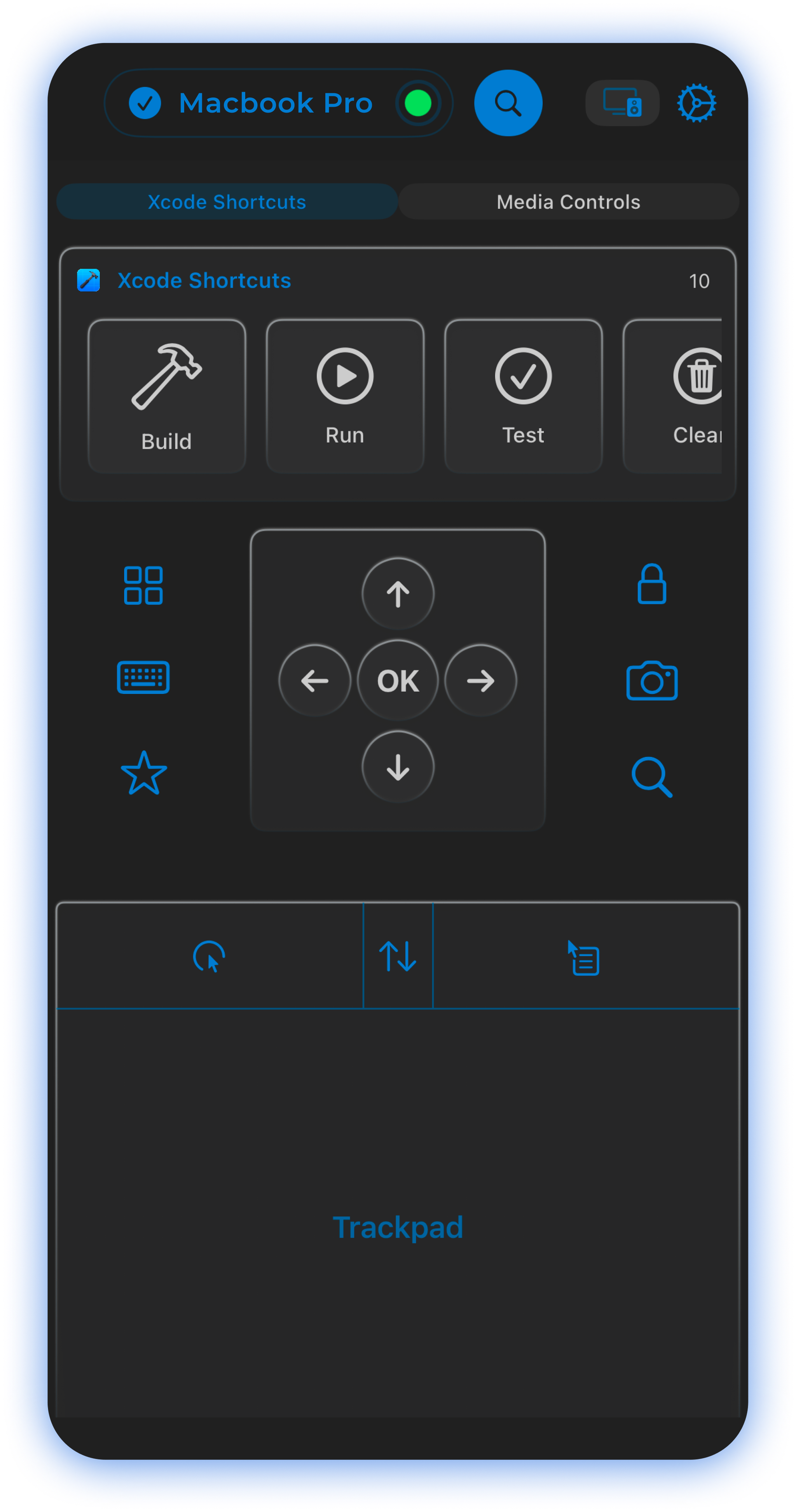
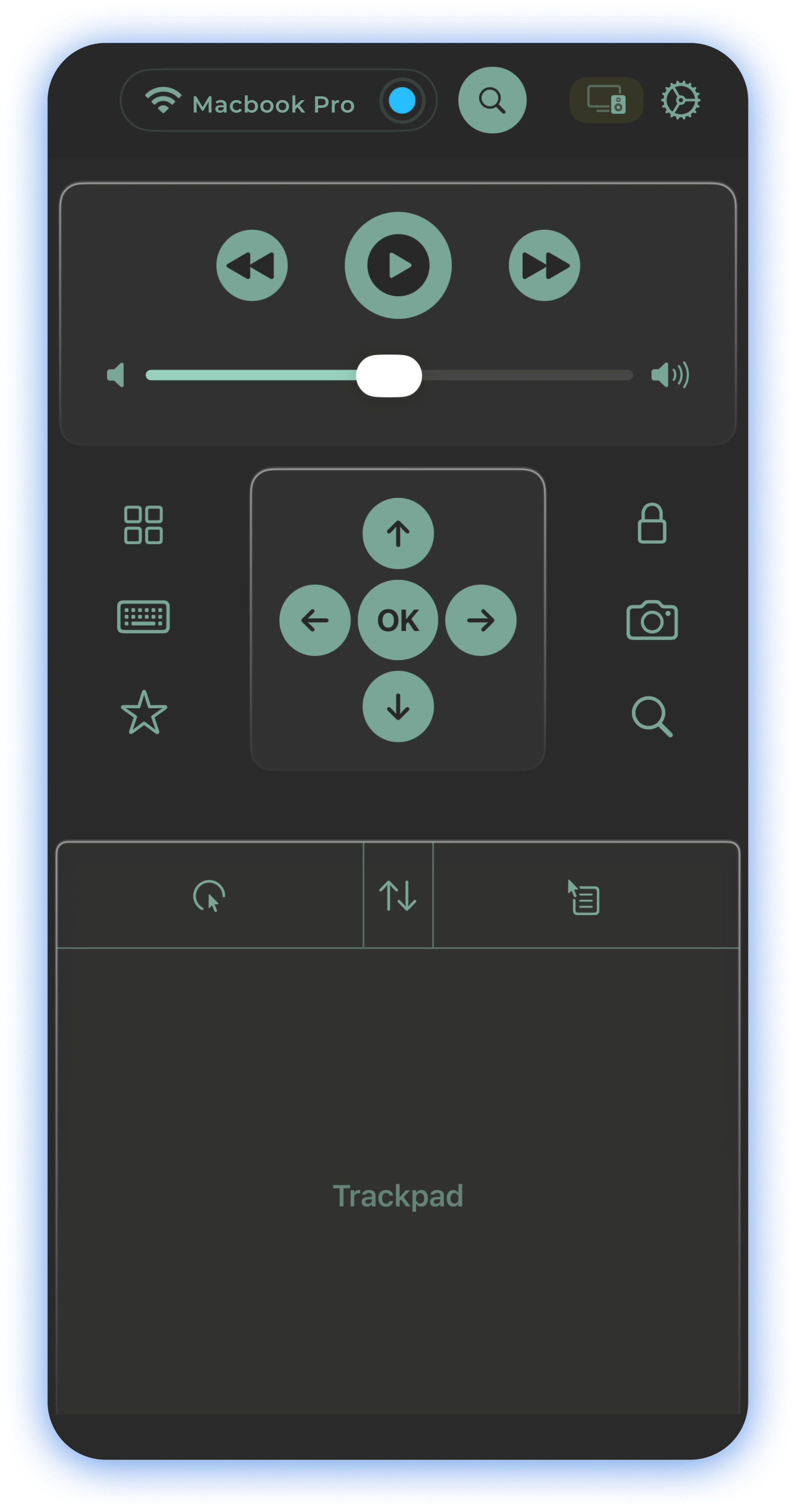
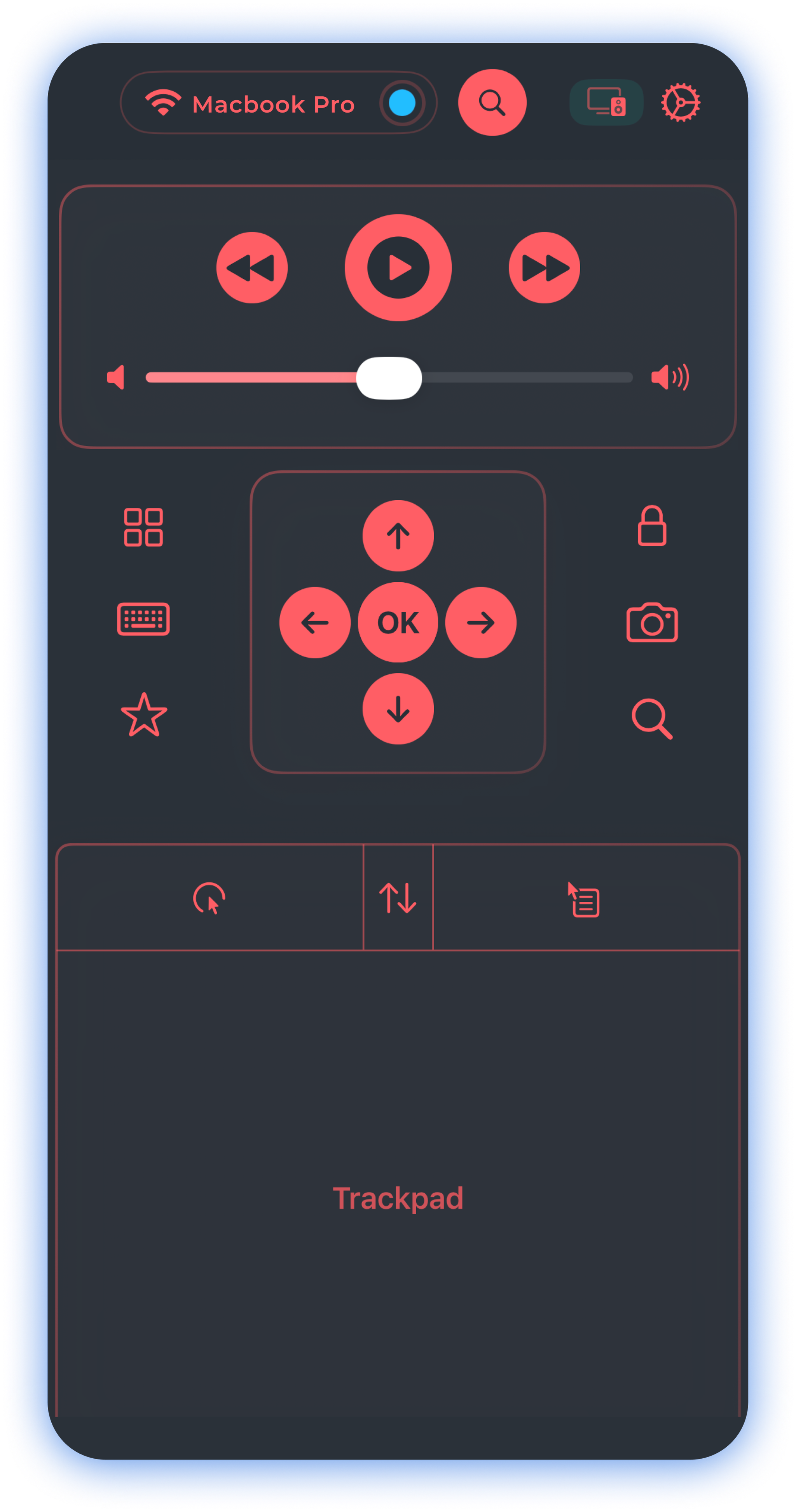
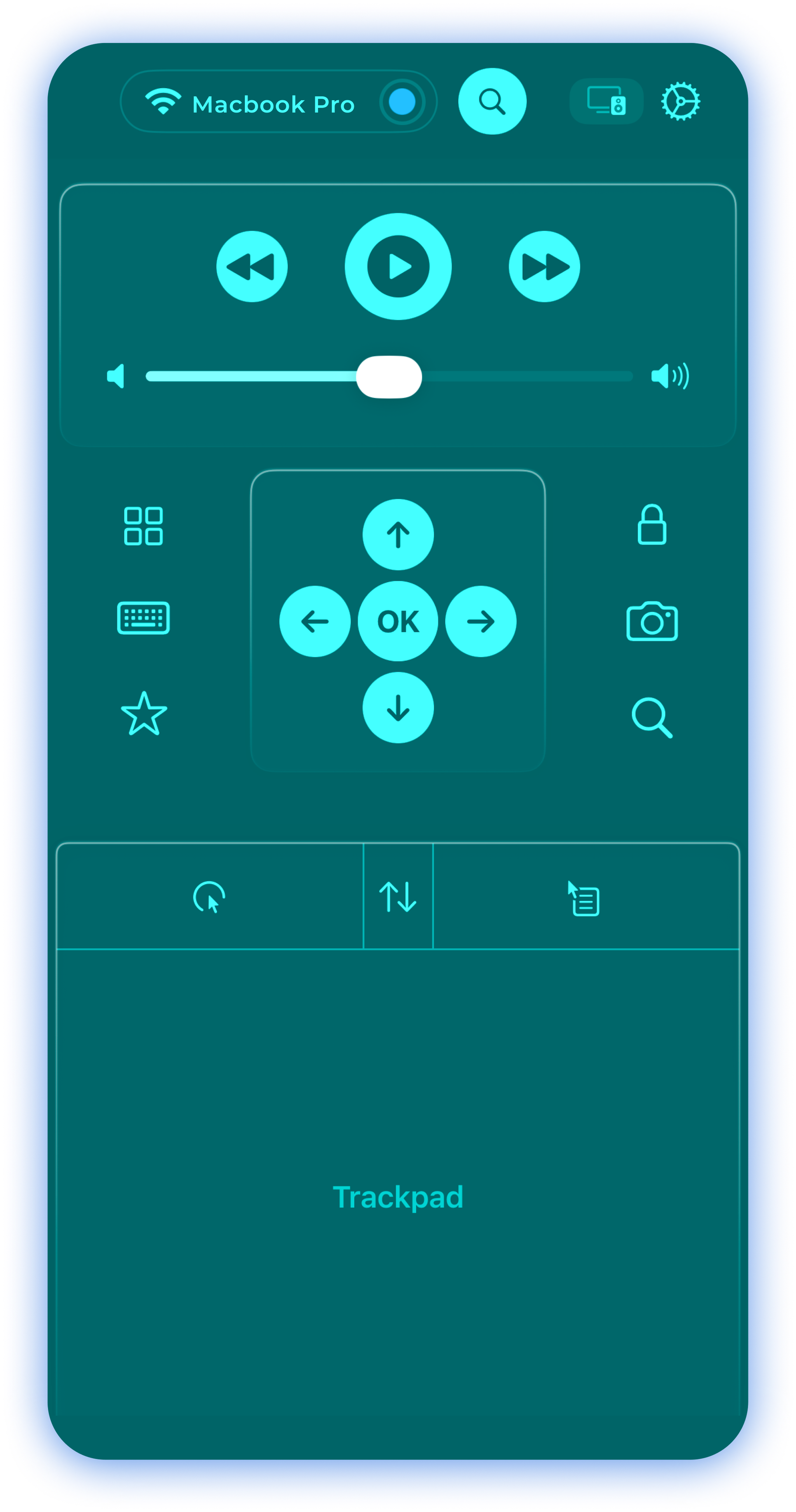
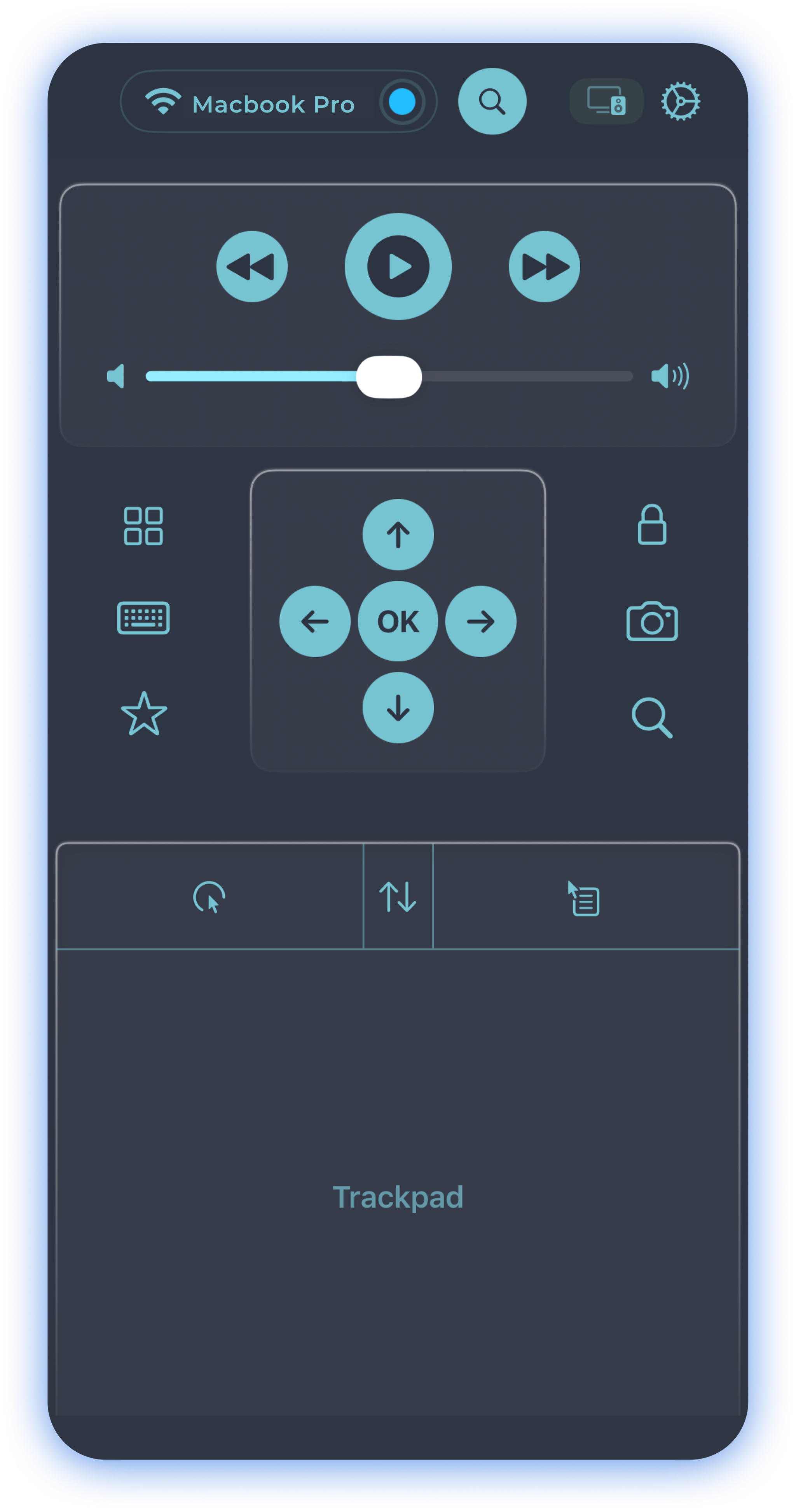
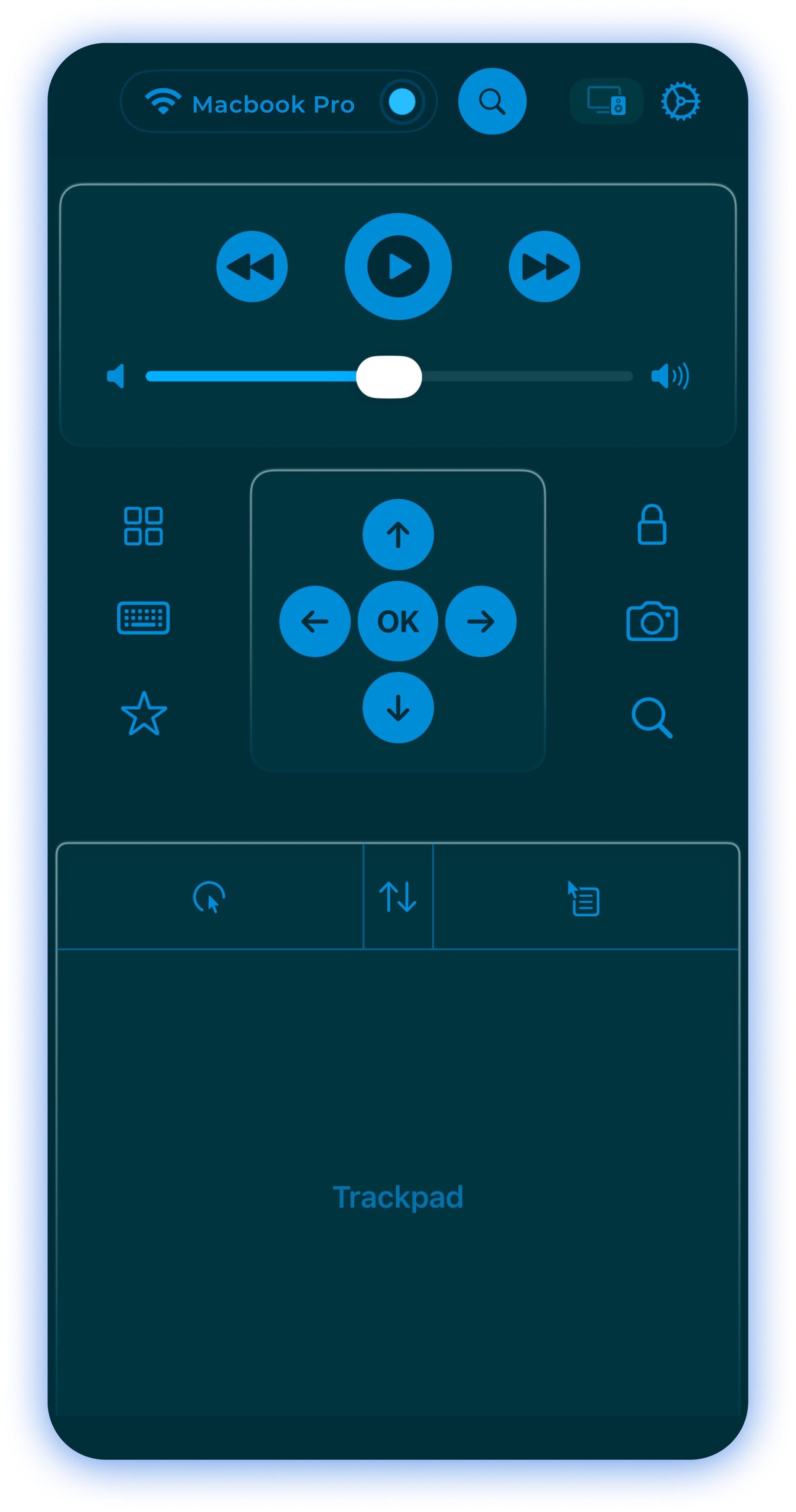
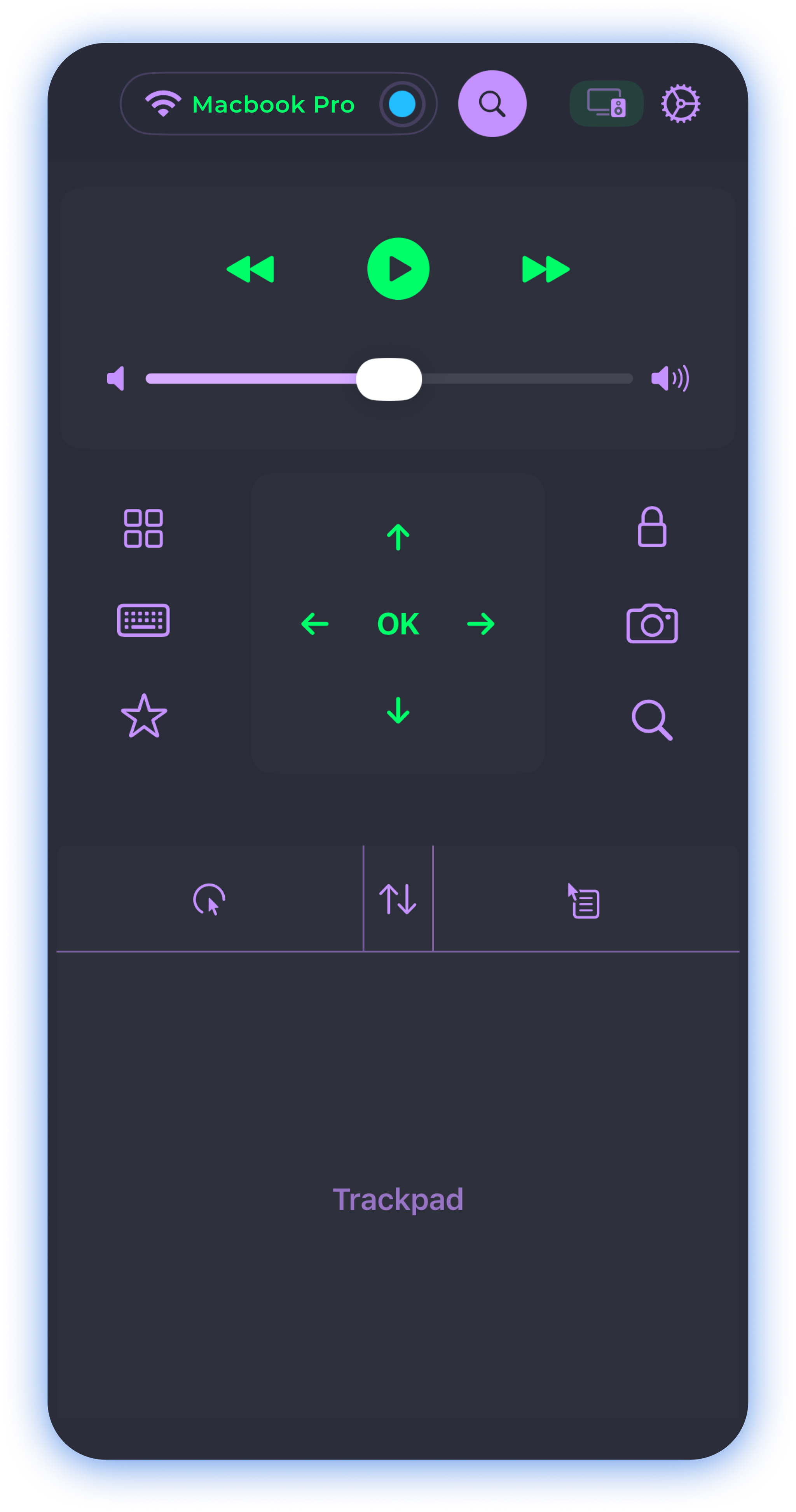
Dark Theme
Choose a theme or set your own colors
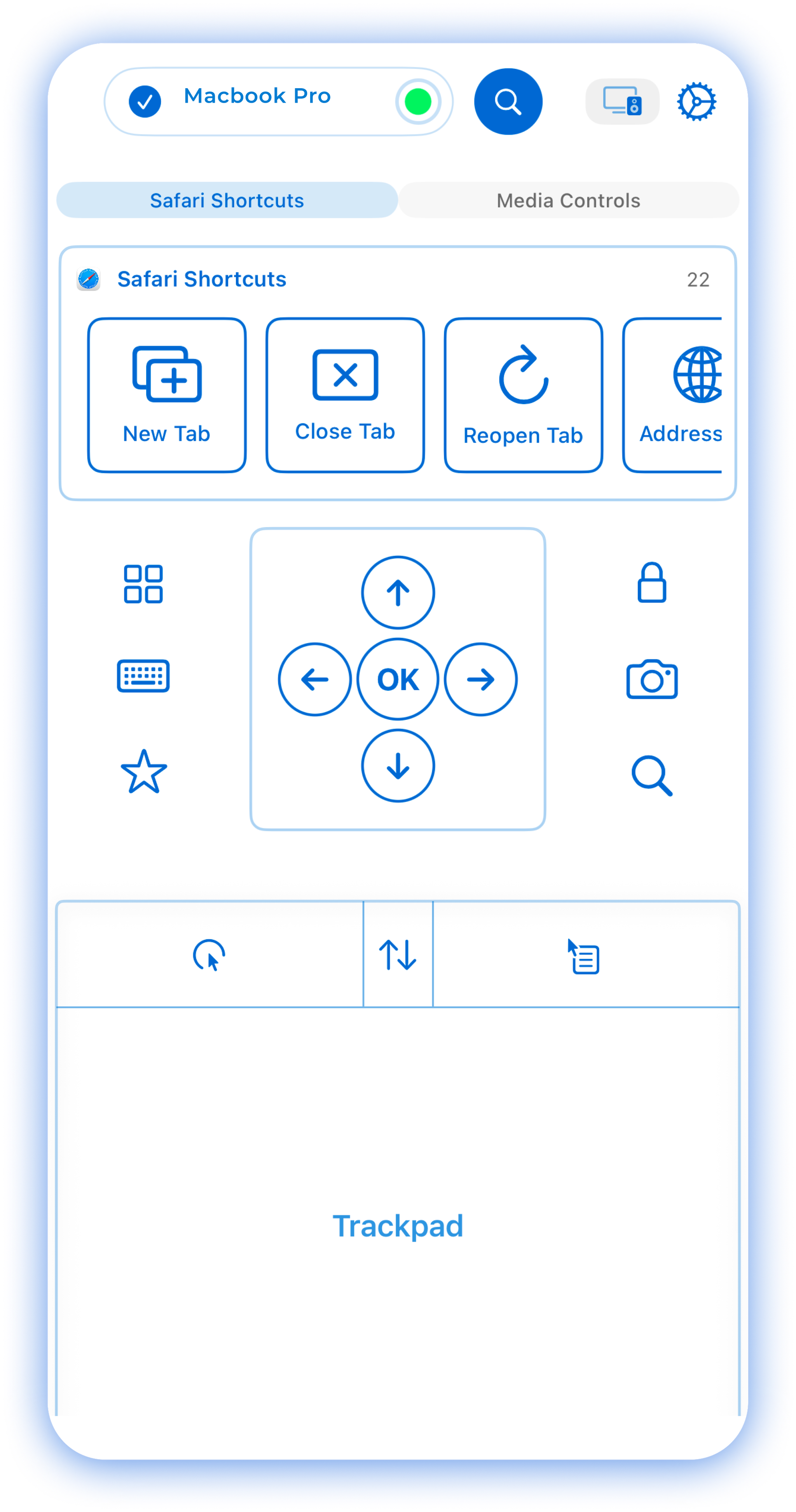
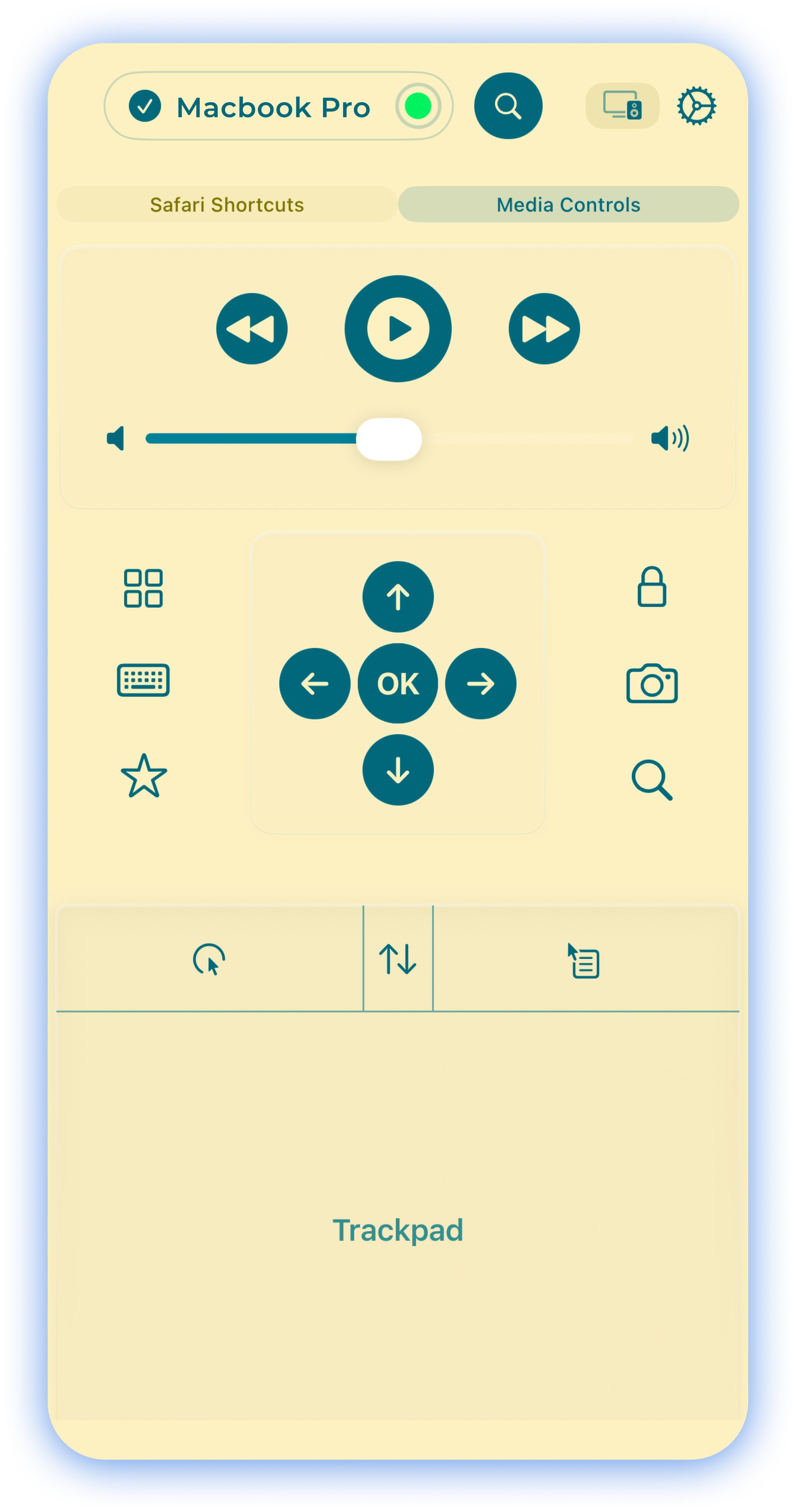
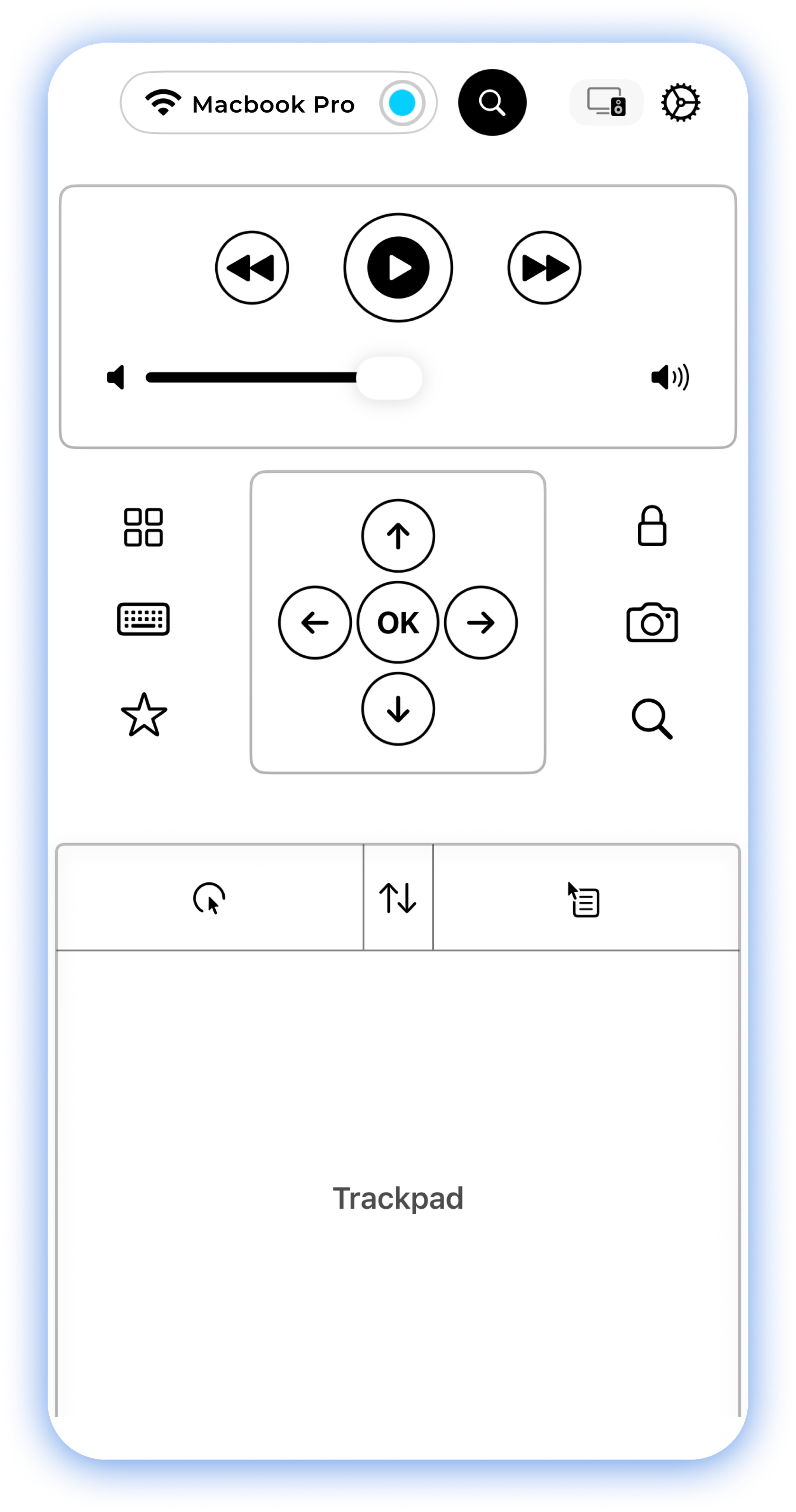
Unyx Mac Companion App
Download the Mac companion app to connect and use Unyx on your iPhone.
Download for
macOS
Open Unyx from the Mac menu bar to pair your iPhone, manage devices, or check for an update.
macOS 15.6+
Apple silicon and Intel Macs
Local Network
Pair your iPhone and Mac
Menu Bar App
Manage your connected devices

Unyx
Download Unyx
Install Unyx on both devices to pair them.
Available now on the
App Store
Open the companion app on your Mac, then select your Mac in the iPhone app’s device list.
iOS 18 or later
Install from the App Store
macOS 15.6 or later
Apple silicon and Intel Macs
Device pairing
Accept the pairing request on your Mac